This project is an easy-to-use fullstack Online Invoicing application for creating and Sending invoices to customers, suiteable for Startups, Business Owners and Freelancers.
-Add Customers or clients.
- Create a new invoice
- Compose and quote invoice.
- Send invoice to customer
- Download invoice as PDF. -Record Payment
- You firstly add a customer you would want to send an invoice to. Create an invoice to send to the customer. Add the billing information, item description, amount, quantity and discount if any.
You can also add more items, edit or delete item from your invoice. By clicking on the Send Invoice button, you can send invoice via email to the customer. You can also download the invoice as PDF.
Live view of the application Demo can be found here- Smart Invoice Landing Page
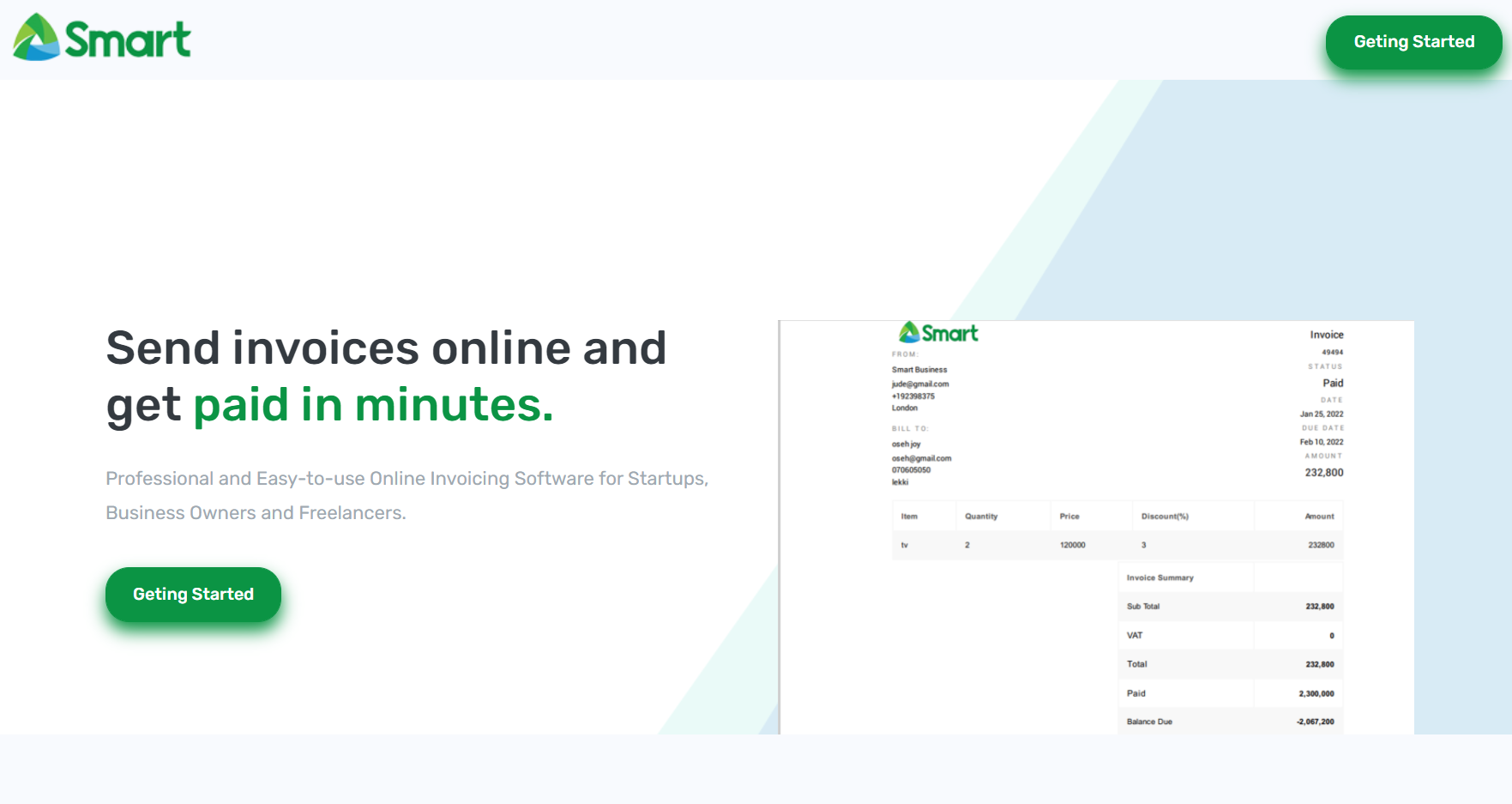
Landing page display.
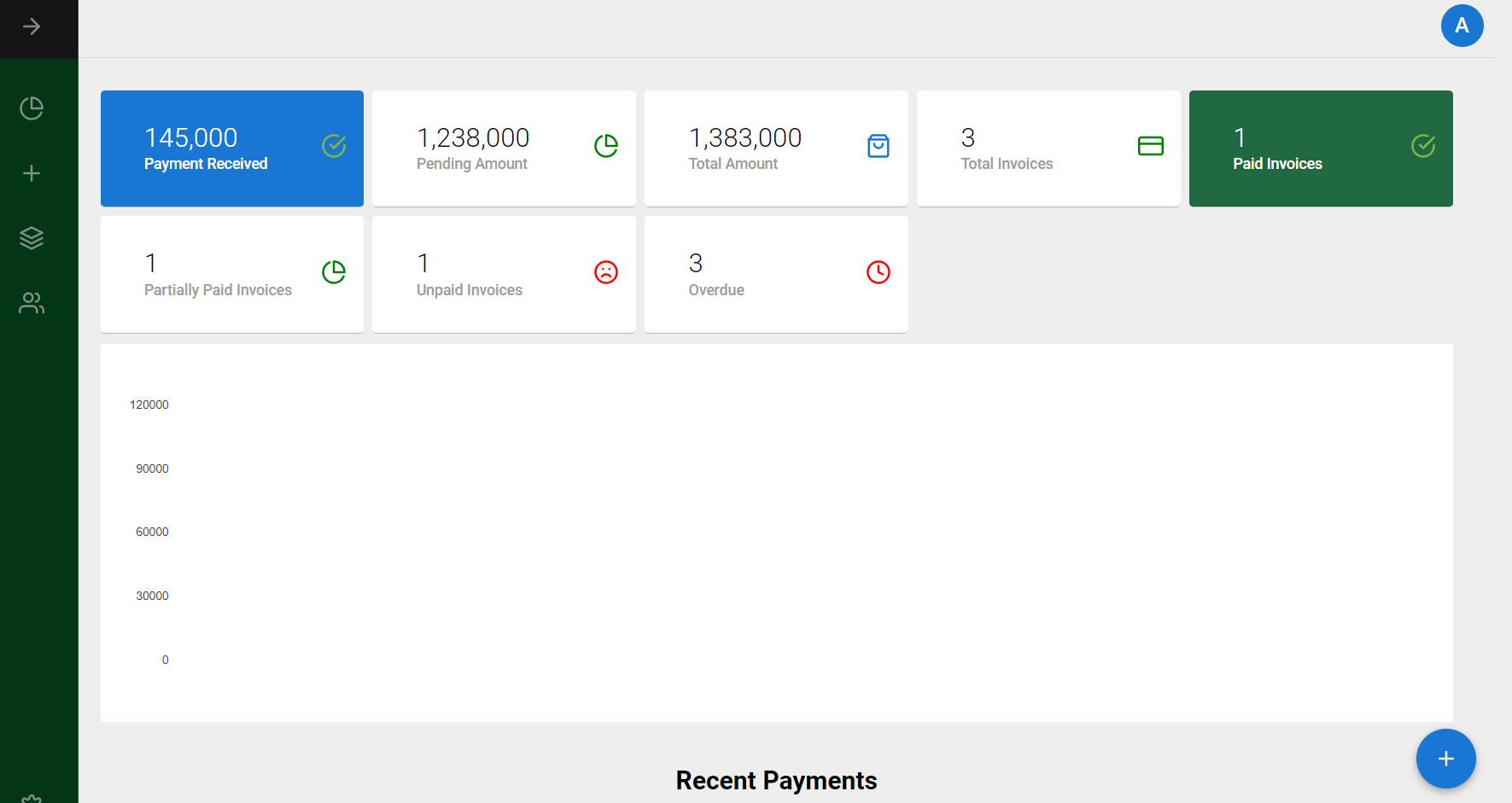
Dashboard View
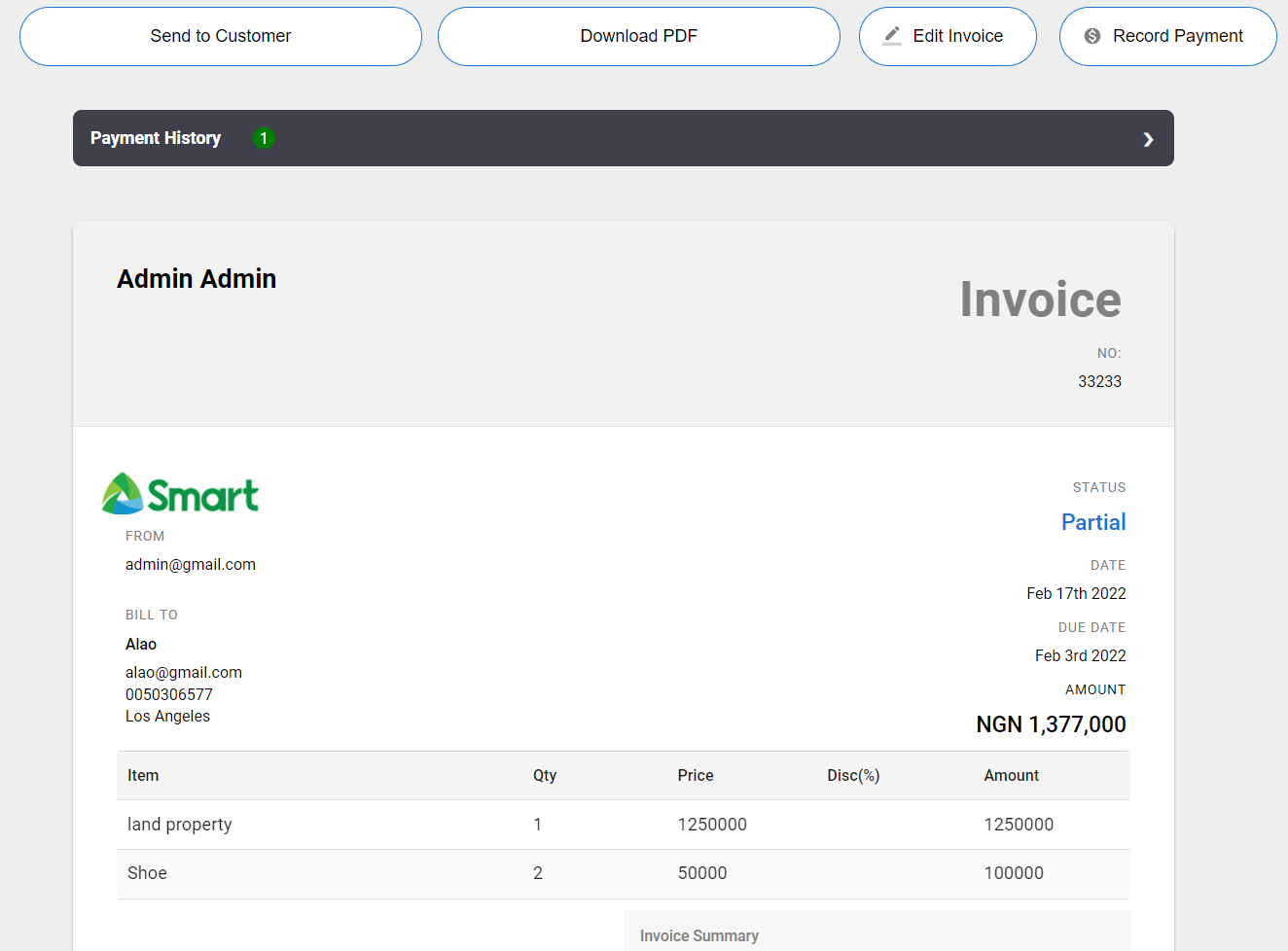
Sample Invoice Display:
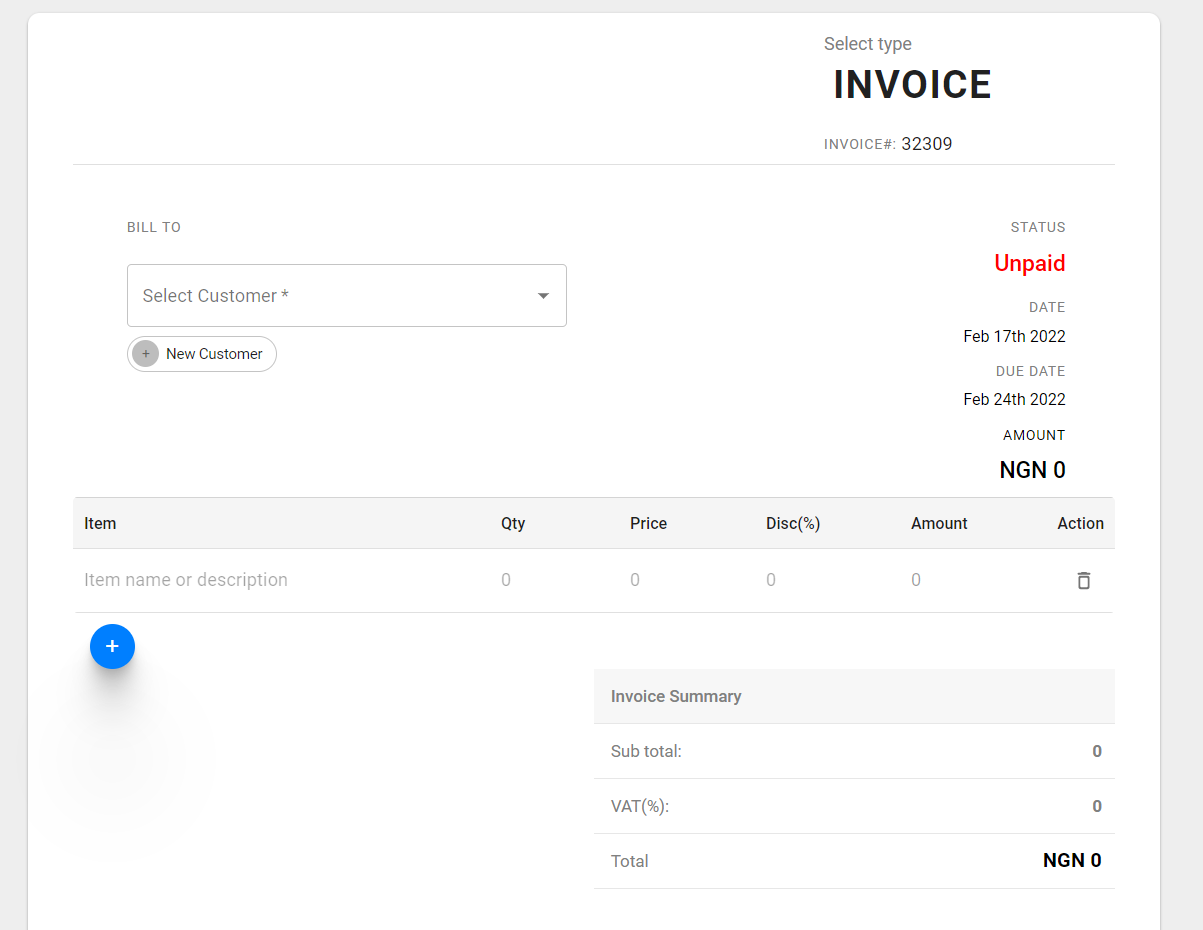
Create An Invoice:
The project is built with;
- React JS -Library for building user interfaces
- React Bootstrap – The most popular front-end framework for building React application.
- CSS
It uses Node.js >= 12.18.3
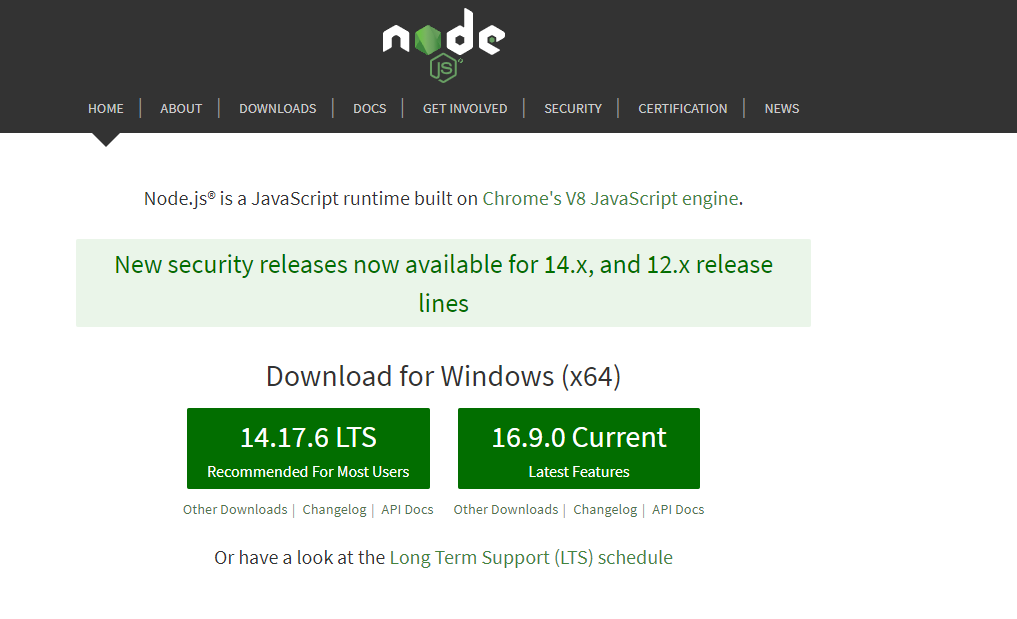
Ensure you have NodeJS installed by entering node -v on your terminal If you don’t have NodeJS installed, go to the NodeJS Website, and follow the download instructions
The following tools are required to run this application:
- A text editor like Visual Studio Code
- Command Line
You can clone the repository directly using this command: git clone https://github.com/jamesoyanna/smart-invoice-landing-page.git
Installation steps:
Node.js and Yarn or Npm Your computer must have installed nodejs, and yarn to run this application You can download Node.js from https://nodejs.org and yarn from https://yarnpkg.com/lang/en/docs/install/ . NPM comes bundled with Node.js
After clonning the application, You will have to install all the dependencies and packages. You can do this by running yarn or npm install from the root of the project folder to install.
Run yarn start or npm stall from the root of your project to start a dev server.
Navigate to http://localhost:3000/.
The app will automatically reload if you make changes to any of the source files.
Leave a Reply